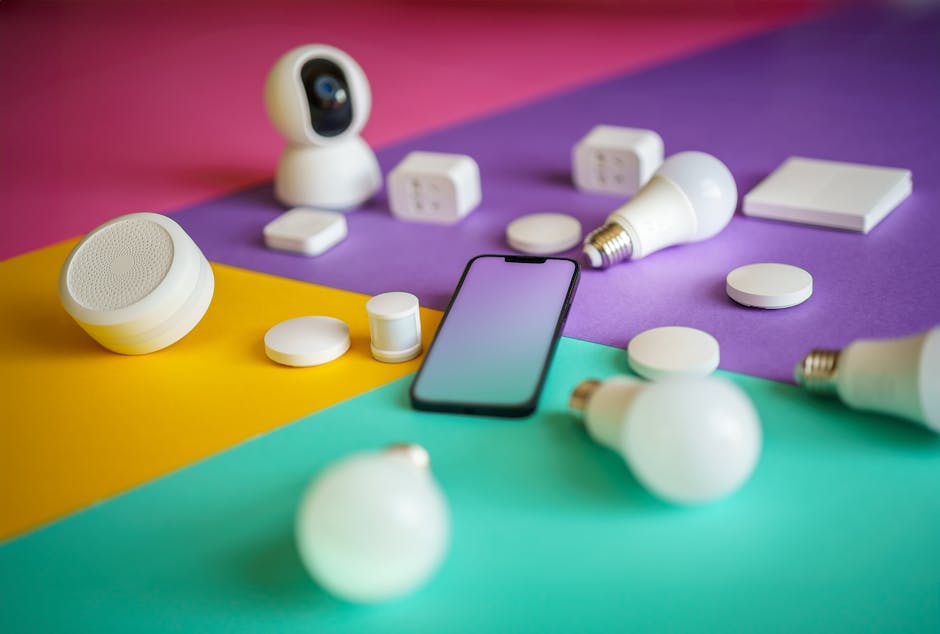
Navigating the Smart Home Hub Landscape: A Comprehensive Setup Guide
Embarking on the journey of smart home automation begins with selecting the central nervous system: the smart home hub. This device acts as the conductor of your digital orchestra, orchestrating communication between various smart devices, translating protocols, and executing your commands. Choosing the right hub is crucial for a seamless, efficient, and secure smart home experience. This guide delves into the key considerations and provides a practical setup roadmap.
Understanding the Role of a Smart Home Hub
A smart home hub serves as the communication nexus for your compatible smart devices. It consolidates control, allowing you to manage lights, thermostats, locks, security systems, and more from a single interface, often accessible via a smartphone app or voice assistants. This centralized control eliminates the need for individual apps for each device, streamlining your smart home management. Moreover, hubs often support automation, enabling pre-programmed routines and scenarios that trigger actions based on time, location, or other device states. This level of automation is where the real power of a smart home is unlocked.
Key Factors to Consider When Choosing a Hub
-
Protocol Compatibility: The single most important factor is ensuring the hub supports the communication protocols used by your existing (and future) smart devices. The most common protocols include:
- Wi-Fi: Widely adopted, utilizing your existing home network. Wi-Fi devices typically connect directly to your router without needing a separate hub if they have their own cloud integration. However, hubs with Wi-Fi often extend range and simplify setup. High bandwidth demands of some devices (e.g., security cameras) can strain a Wi-Fi network, potentially justifying a dedicated hub to manage that traffic.
- Bluetooth: Low-power, short-range communication ideal for devices like wearables and some smart locks. Direct Bluetooth connectivity is generally limited, and a hub is often needed to control Bluetooth devices remotely. Bluetooth Mesh offers improved range and reliability compared to traditional Bluetooth.
- Zigbee: A low-power, self-healing mesh network designed specifically for smart home devices. Zigbee hubs are relatively common and offer good interoperability between different brands. Zigbee devices are typically very responsive and reliable.
- Z-Wave: Another low-power mesh network focused on security and reliability. Z-Wave devices often require a certified Z-Wave hub for proper operation. Z-Wave boasts excellent range and is often used in security systems.
- Thread: A newer, low-power mesh networking protocol designed for the smart home. Thread offers improved interoperability and security compared to older protocols. It is gaining traction with major manufacturers.
- Proprietary Protocols: Some manufacturers use their own communication protocols. These often require the use of the manufacturer’s hub for full functionality.
Identify the protocols your devices use and choose a hub that supports them all. Consider future purchases as well. A hub that supports multiple protocols (e.g., Zigbee, Z-Wave, and Wi-Fi) offers greater flexibility.
-
Ecosystem and Voice Assistant Integration: The hub’s compatibility with popular voice assistants (Amazon Alexa, Google Assistant, Apple HomeKit/Siri) is critical for hands-free control. Consider the ecosystem you already use. For instance, if you are heavily invested in Apple products, a HomeKit-compatible hub is a logical choice. Research the depth of integration with your preferred voice assistant, including the range of voice commands supported.
-
Ease of Use: A user-friendly interface and straightforward setup process are paramount. Look for hubs with intuitive mobile apps or web interfaces. Check reviews to gauge the complexity of initial setup and ongoing maintenance. Features like automatic device discovery can significantly simplify the setup process.
-
Security: Smart home security is a crucial consideration. Choose a hub with robust security features, including encryption, two-factor authentication, and regular security updates. Research the manufacturer’s security track record and any known vulnerabilities. Opt for hubs that prioritize privacy and data protection.
-
Range and Scalability: Consider the size of your home and the placement of your smart devices. Mesh networks like Zigbee and Z-Wave offer better range and reliability than Wi-Fi in larger homes. Ensure the hub can handle the number of devices you plan to connect. Some hubs have limits on the number of devices they can support.
-
Automation Capabilities: Explore the hub’s automation features. Can it create complex routines and scenes? Does it support conditional logic (e.g., “if this, then that”)? The more advanced the automation capabilities, the more sophisticated and personalized your smart home experience can be.
-
Local vs. Cloud Processing: Some hubs process data locally, while others rely on cloud processing. Local processing offers faster response times and greater privacy, as your data doesn’t need to be sent to the cloud. However, cloud-based hubs often offer more advanced features and integrations. Consider your preferences and security concerns when choosing between local and cloud processing.
-
Power Outage Resilience: Determine how the hub functions during a power outage. Does it have battery backup? Will it continue to function locally, or will it be completely offline?
Setting Up Your Smart Home Hub: A Step-by-Step Guide
-
Unboxing and Initial Setup: Carefully unpack the hub and connect it to a power source and your network (typically via Ethernet cable or Wi-Fi). Download the hub’s mobile app or access its web interface on your computer. Follow the on-screen instructions to create an account and register your hub.
-
Connecting Devices: Put your smart devices into pairing mode (refer to their respective manuals for instructions). Use the hub’s app or web interface to discover and connect your devices. The hub will typically guide you through the pairing process, which may involve scanning a QR code or entering a PIN.
-
Organizing Devices: Once connected, organize your devices into rooms or groups for easier management. This allows you to control multiple devices simultaneously (e.g., “Turn off all lights in the living room”).
-
Configuring Automations: Create automation routines to automate tasks and enhance your smart home experience. Define triggers (e.g., time of day, sensor activation, device state) and actions (e.g., turn on lights, adjust thermostat, lock doors). Experiment with different routines to find what works best for you.
-
Integrating Voice Assistants: Link your hub to your preferred voice assistant (Amazon Alexa, Google Assistant, Apple HomeKit). Follow the instructions in the hub’s app or web interface to enable voice control. Once linked, you can control your smart devices using voice commands.
-
Security Hardening: Enhance the security of your smart home by enabling two-factor authentication on your hub account. Keep the hub’s firmware up to date to patch any security vulnerabilities. Review the hub’s privacy settings and adjust them to your preferences.
-
Troubleshooting and Maintenance: Consult the hub’s documentation or online resources for troubleshooting tips. Regularly check for firmware updates to ensure optimal performance and security. Monitor your smart home network for any suspicious activity.
-
Placement: Optimally place the hub in a central location in your home to maximize its range and connectivity to all devices. Avoid placing it near sources of interference, such as microwave ovens or cordless phones.
By carefully considering these factors and following this setup guide, you can choose the right smart home hub and create a seamless, efficient, and secure smart home environment that caters to your specific needs and preferences.